< Back
No items found.
No items found.

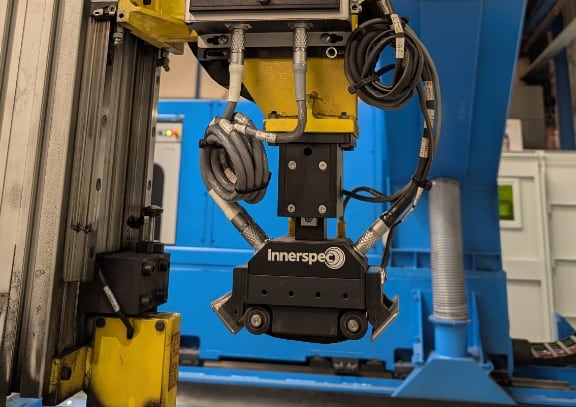
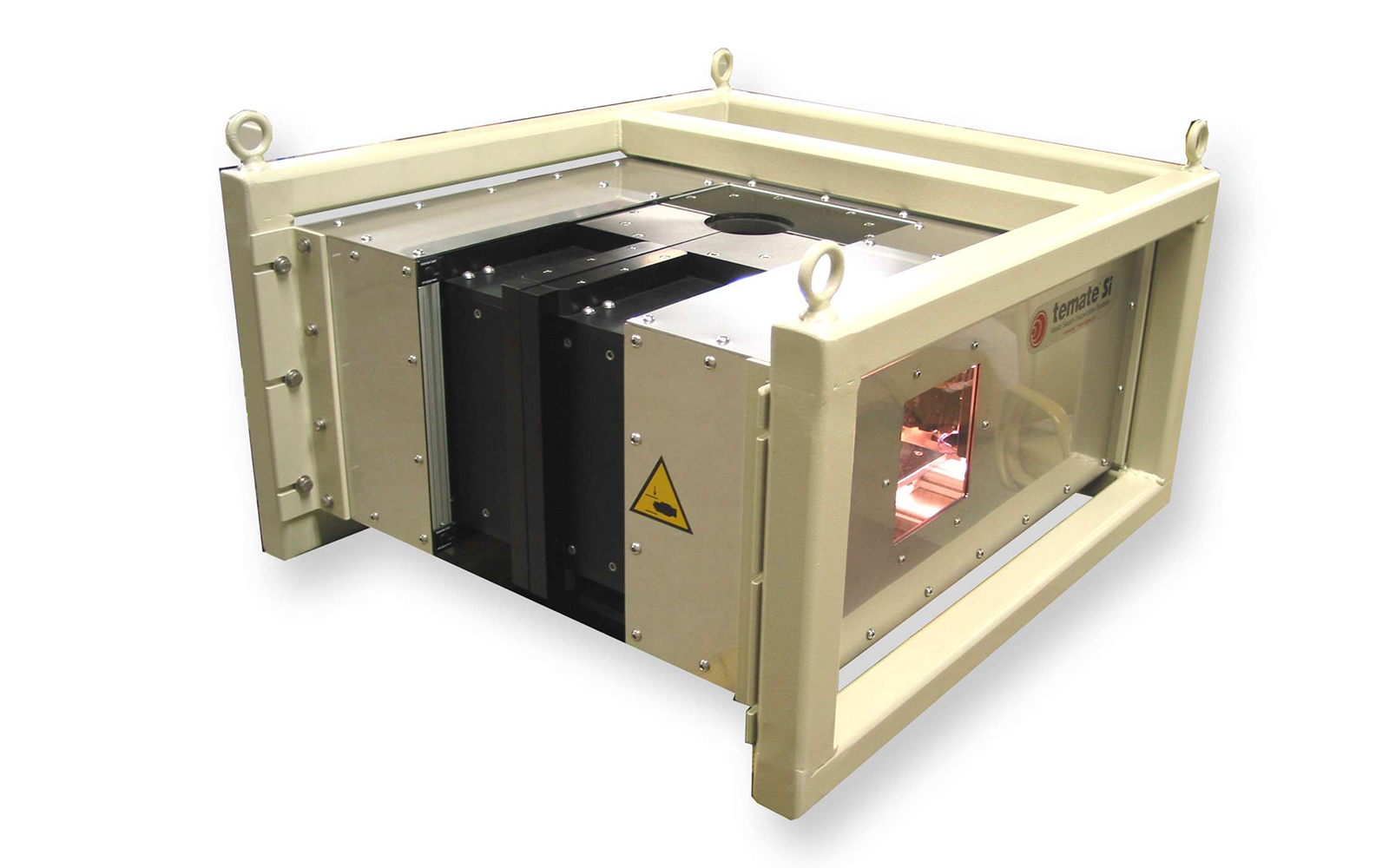
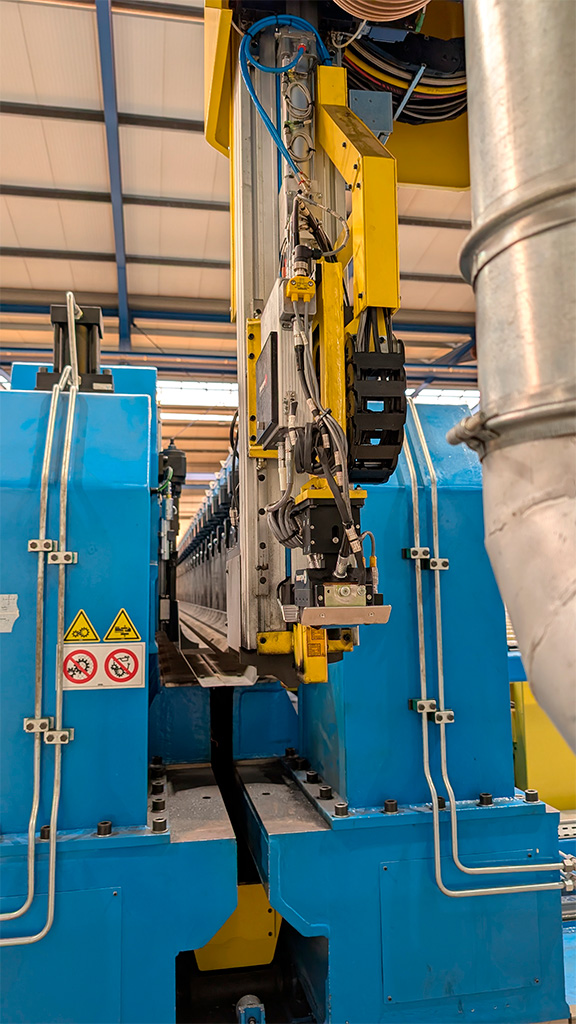
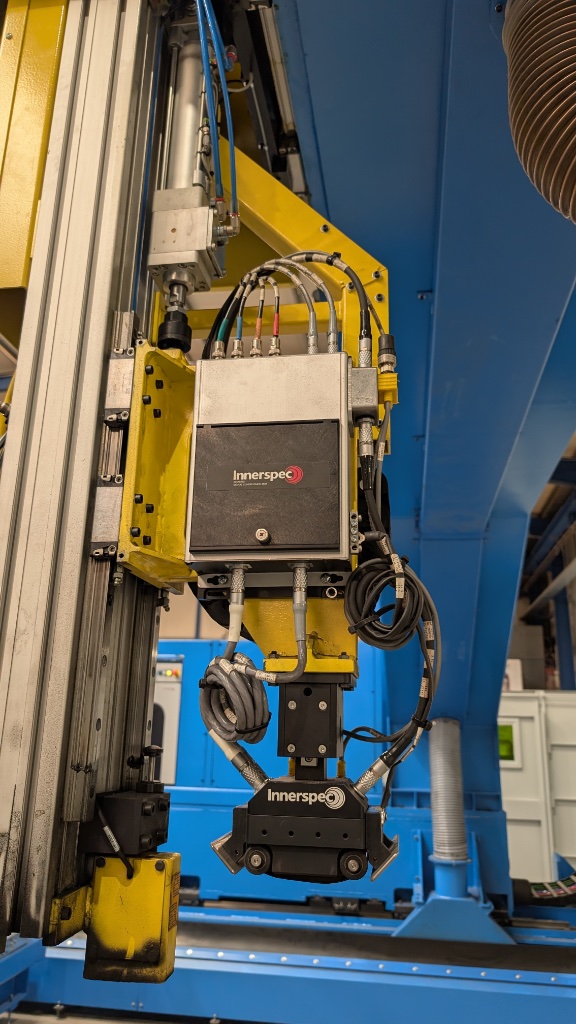
TEMATE SI uses EMAT techniques to inspect trimmed welds or welds with minimum root and crown. For welds under 6mm (0.25”) in thickness, the technique uses guided waves (SH or Lamb). Conventional bulk shear waves are used for thicker welds. The welds should have no or minimal root and crown.

Features

  • Non-contact EMAT technique for ultrasonic testing of welds.
    • For welds 0.25-6mm, guided waves fill up the volume of the material and provide through-thickness inspection without skipping.
    • For welds >6mm, bulk waves are used to fill up the volume using conventional UT “skipping” techniques.
  • Detects and discriminates “planar” defects such as lack of fusion, lack of penetration, concavity or mismatch, and “point” defects such as holes and porosity.
  • Capable of detecting porosity as small as 0.1mm in a 3mm weld.
  • Less sensitive to probe positioning, no “rastering” motion or “phased array” of sensors necessary.
  • Self-calibrated sensor. No need for teaching period or regular calibrations.
  • Permits inspection at up to 1m/s in completely automated environments.
  • Exclusive flexible sensor technology that conforms to the surface and undulations of the part.
  • Valid for any trimmed weld, or a welding technique with minimum root and crown (Laser, Electron Beam, Friction Stir, Flash-Butt).
  • Proven technique with hundreds of systems installed.

TEMATE SI uses EMAT techniques to inspect trimmed welds or welds with minimum root and crown. For welds under 6mm (0.25”) in thickness, the technique uses guided waves (SH or Lamb). Conventional bulk shear waves are used for thicker welds. The welds should have no or minimal root and crown.

Features

  • Non-contact EMAT technique for ultrasonic testing of welds.
    • For welds 0.25-6mm, guided waves fill up the volume of the material and provide through-thickness inspection without skipping.
    • For welds >6mm, bulk waves are used to fill up the volume using conventional UT “skipping” techniques.
  • Detects and discriminates “planar” defects such as lack of fusion, lack of penetration, concavity or mismatch, and “point” defects such as holes and porosity.
  • Capable of detecting porosity as small as 0.1mm in a 3mm weld.
  • Less sensitive to probe positioning, no “rastering” motion or “phased array” of sensors necessary.
  • Self-calibrated sensor. No need for teaching period or regular calibrations.
  • Permits inspection at up to 1m/s in completely automated environments.
  • Exclusive flexible sensor technology that conforms to the surface and undulations of the part.
  • Valid for any trimmed weld, or a welding technique with minimum root and crown (Laser, Electron Beam, Friction Stir, Flash-Butt).
  • Proven technique with hundreds of systems installed.

What’s a Rich Text element?

The rich text element allows you to create and format headings, paragraphs, blockquotes, images, and video all in one place instead of having to add and format them individually. Just double-click and easily create content.

Static and dynamic content editing

A rich text element can be used with static or dynamic content. For static content, just drop it into any page and begin editing. For dynamic content, add a rich text field to any collection and then connect a rich text element to that field in the settings panel. Voila!

How to customize formatting for each rich text

Headings, paragraphs, blockquotes, figures, images, and figure captions can all be styled after a class is added to the rich text element using the "When inside of" nested selector system.

What’s a Rich Text element?

The rich text element allows you to create and format headings, paragraphs, blockquotes, images, and video all in one place instead of having to add and format them individually. Just double-click and easily create content.

Static and dynamic content editing

A rich text element can be used with static or dynamic content. For static content, just drop it into any page and begin editing. For dynamic content, add a rich text field to any collection and then connect a rich text element to that field in the settings panel. Voila!

How to customize formatting for each rich text

Headings, paragraphs, blockquotes, figures, images, and figure captions can all be styled after a class is added to the rich text element using the "When inside of" nested selector system.

If you would like any more information on this system, please contact us, and one of our experts will be in touch.
CONTACT